Video to SCORM Converter
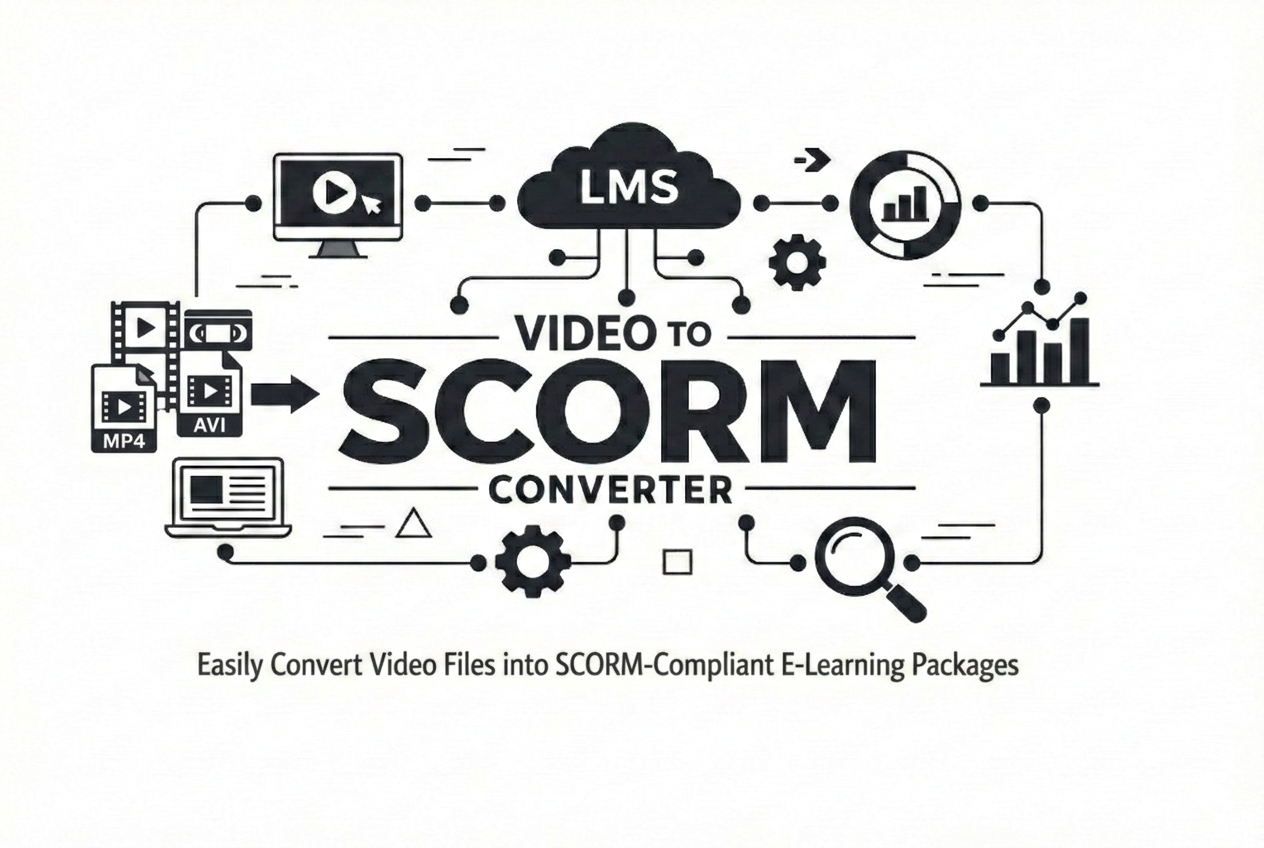
Convert video files, YouTube videos, and HLS (.m3u8) streams into fully trackable SCORM packages. Customize the video player, configure completion tracking, protect your content with watermarks, and generate LMS-ready courses without using expensive authoring tools.
Choose Your Video Source
Upload a local video file, paste a YouTube link, or enter an HLS (.m3u8) stream URL to start creating your SCORM course.
Customize the Learning Experience
Select SCORM 1.2 or SCORM 2004, define completion rules, switch between Classic and Modern player themes, customize playback controls, enable resume playback, and add image or text watermarks.
Download & Upload to Your LMS
Generate a SCORM-compliant ZIP package that reports learner progress, completion status, watch percentage, and resume data in compatible Learning Management Systems.
Powerful Video to SCORM Conversion Features
Convert local videos, YouTube videos, or HLS streams into fully trackable SCORM packages with customizable player settings, completion tracking, watermark protection, and LMS compatibility.
Video File
- ✔ Upload MP4, MOV and other video formats
- ✔ Completion percentage
- ✔ SCORM 1.2 & SCORM 2004
- ✔ Classic & Modern player themes
- ✔ Interactive player controls
- ✔ Resume playback
- ✔ Watermark (Image/Text)
- ✔ Instant SCORM download
YouTube Video
- ✔ Paste YouTube URL
- ✔ Completion percentage
- ✔ SCORM 1.2 & SCORM 2004
- ✔ LMS progress tracking
- ✔ Resume playback
- ✔ Completion reporting
- ✔ No software required
- ✔ Download SCORM ZIP
HLS Stream
- ✔ Convert .m3u8 streams
- ✔ Completion percentage
- ✔ SCORM 1.2 & SCORM 2004
- ✔ Show/Hide seek bar
- ✔ Enable/Disable fullscreen
- ✔ Image & Text watermark
- ✔ Custom watermark position
- ✔ Instant SCORM package
Additional Features Available
- ✔ Completion Marker Slider
- ✔ LMS Progress Tracking
- ✔ Resume from Last Position
- ✔ Watch Percentage Tracking
- ✔ SCORM Completion Status
- ✔ Classic Player Theme
- ✔ Modern Player Theme (Beta)
- ✔ Interactive Player Preview
- ✔ Enable/Disable Player Controls
- ✔ Playback Speed Control
- ✔ Seek Bar Control
- ✔ Fullscreen Toggle
- ✔ Image Watermark
- ✔ Text Watermark
- ✔ Custom Watermark Position & Opacity
- ✔ Instant Download of SCORM ZIP
How Video Tracking Works in SCORM
When your video is converted into a SCORM package, a tracking layer is added that communicates directly with your LMS. This allows the system to monitor learner behavior in real-time.
Completion Trigger
Marks course complete once required percentage is reached.
Watch Percentage
Calculates how much of the video has been watched.
Watermark Protection
Add text or image watermarks with custom positioning and opacity settings to help protect your training content.
Start & Resume Playback
Automatically saves progress so learners can continue watching from their last position.
Advantages of Converting Video to SCORM
Converting video to SCORM transforms a simple MP4 file into a fully trackable eLearning course. Your LMS can monitor learner progress, completion status, watch time, and engagement analytics using SCORM 1.2 or SCORM 2004 standards.
Accurate LMS Completion Tracking
Track video start, pause, resume, watch percentage, and final completion directly inside your Learning Management System.
Controlled Viewing Experience
Prevent learners from skipping important sections by setting required completion percentages before marking the course complete.
Detailed Engagement Analytics
Get insights into watch time, learner progress percentage, completion rates, and reporting data compatible with SCORM-compliant LMS platforms.
Choose Your Video Player Theme
Personalize the learning experience by selecting between our Classic and Modern video player themes. Both themes support SCORM tracking, resume playback, completion reporting, and customizable player controls.

Classic Theme
A clean, traditional video player designed for maximum LMS compatibility and distraction-free learning.
- ✔ Familiar video player interface
- ✔ Play & Pause controls
- ✔ Volume control
- ✔ Seek bar
- ✔ Current & remaining time
- ✔ Playback speed
- ✔ Fullscreen support
- ✔ Fully SCORM compatible

Modern Theme Beta
A modern floating-control interface that delivers a premium viewing experience while maintaining full SCORM tracking and LMS reporting.
- ✔ Modern floating controls
- ✔ 10-second rewind & forward buttons
- ✔ Playback speed control
- ✔ Volume control
- ✔ Interactive seek bar
- ✔ Fullscreen support
- ✔ Cleaner mobile-friendly interface
- ✔ Fully SCORM compatible
Available in Both Themes
SCORM Tracking
Resume Playback
Completion Tracking
Custom Controls
Protect Your Video Content with Custom Watermarks
Secure your training videos by adding customizable image or text watermarks. Configure the appearance, size, opacity, and position of your watermark before converting your video into a SCORM package.
Image Watermark
Upload your company logo or branding image to display throughout the video for copyright protection and brand visibility.
- ✔ PNG image support
- ✔ Adjustable watermark width
- ✔ Custom opacity control
- ✔ Multiple screen positions
- ✔ Perfect for company logos and branding
Text Watermark
Display custom text such as your company name, copyright notice, learner ID, or confidential information directly on the video.
- ✔ Custom watermark text
- ✔ Adjustable font size
- ✔ Opacity control
- ✔ Flexible positioning
- ✔ Ideal for confidential training content
Watermark Customization Features
Opacity Control
Set watermark transparency from fully visible to subtle.
Custom Size
Adjust image width or text size to fit your video.
Flexible Position
Place the watermark at the top, bottom, or center of the video.
Content Protection
Discourage unauthorized sharing and reinforce your branding.
Everything You Need for Video to SCORM Conversion
Create professional SCORM video packages with tracking, security, watermarking, LMS compatibility, and learner progress monitoring — all without complicated authoring tools.
Video to SCORM Conversion
Convert MP4 and MOV videos into SCORM 1.2 or SCORM 2004 compliant ZIP packages instantly.
LMS Progress Tracking
Track learner watch progress, completion percentage, time spent, and playback activity inside your LMS.
Completion Rules
Define custom completion percentages before learners are marked as completed.
Resume Playback
Automatically save learner progress so videos continue from the last watched position.
Seek Bar Control
Hide or display the video seek bar to prevent learners from skipping important content.
Watermark Protection
Add image or text watermarks with custom position and opacity settings for content protection.
Secure Processing
Files are securely processed using encrypted transfers and automatically deleted after conversion.
Fast Conversion
Generate downloadable SCORM ZIP packages within seconds without installing any software.
Instant SCORM Download
Download ready-to-upload SCORM ZIP packages immediately after conversion with no extra processing steps.
Video File vs SCORM Package
Understand why SCORM is essential for LMS tracking compared to normal video files.
Normal Video
Traditional MP4 / MOV file
SCORM Package
LMS-ready eLearning format
SCORM transforms passive videos into fully trackable learning experiences with built-in progress tracking and completion reporting.
Common Use Cases for Video to SCORM
Corporate Training
Convert training videos into trackable SCORM modules for employee onboarding and compliance.
Online Courses
Deliver structured video lessons with completion tracking inside LMS platforms.
Compliance Training
Ensure learners watch mandatory videos before marking courses complete.
Secure & Reliable Video to SCORM Conversion
Your content security and privacy are our top priority. Every file is protected with enterprise-grade safeguards throughout the conversion process.
Automatic File Deletion
Uploaded videos and generated SCORM packages are permanently deleted from our servers immediately after download to ensure complete data safety.
Encrypted File Transfers
All uploads and downloads are secured using SSL/TLS encryption, protecting your files during transmission.
GDPR & Privacy Compliance
We follow GDPR and internationally recognized data protection standards to ensure your content remains confidential and compliant.
Secure Server Infrastructure
Our servers are continuously monitored and protected with advanced security protocols to prevent unauthorized access or breaches.
Convert More Content into SCORM Courses
Beyond video content, you can convert PowerPoint (PPT) presentations and PDFs into SCORM-ready courses with full tracking, completion control, and LMS compatibility.
Works with SCORM 1.2 & SCORM 2004 LMS
No installation • No signup • Instant download
✔ Secure processing | ✔ Auto file deletion | ✔ Fast conversion
Start Video ConversionVideo to SCORM – Frequently Asked Questions
Player Theme Comparison
Drag the slider to compare the Classic and Modern themes.