PDF to SCORM Converter
Convert static PDF documents into fully trackable SCORM 1.2 or SCORM 2004 packages without recreating your content. Deliver LMS-ready learning experiences with built-in progress and completion tracking.
Customize every aspect of your course including completion rules, navigation controls, themes, fonts, viewing modes, and learner interface settings. Generate branded, interactive, and trackable SCORM packages in just a few clicks.
Upload Your PDF File
Upload your PDF document securely. Pages are detected automatically and prepared for SCORM conversion.
Customize Your Learning Experience
Configure SCORM version, completion requirements, navigation controls, themes, fonts, viewing modes, and multilingual learner settings.
Generate & Track in Your LMS
Download a SCORM-compliant package with learner progress tracking, page completion tracking, and time spent reporting.
Powerful PDF to SCORM Features
Convert PDFs into interactive and trackable SCORM learning experiences with extensive customization and LMS reporting capabilities.
Learner Tracking
Track learner progress, completion status, and session time directly inside your LMS.
Completion Rules
Define how many PDF pages learners must view before completion is recorded.
SCORM 1.2 & 2004
Generate LMS-ready SCORM packages compatible with most modern LMS platforms.
Flexible Viewing Modes
Choose page-by-page navigation or sequential scrolling mode.
Theme Customization
Customize colors, fonts, and course appearance to match your branding.
Navigation Controls
Configure header, footer, progress indicators, and fullscreen controls.
How PDF Tracking Works in LMS (SCORM)
Convert static PDF documents into fully trackable SCORM learning modules. With SCORM integration, your LMS can monitor learner activity, page views, time spent, and completion status — giving you full visibility into training performance.
Page-Level Tracking
Each page of your PDF is converted into a trackable learning step. Your LMS records exactly how many pages a learner has viewed, ensuring accurate progress tracking and preventing content skipping.
Time Tracking
Measure how long learners spend on each module. SCORM sends real-time session data to your LMS, helping you evaluate engagement levels, compliance requirements, and learner behavior.
Completion Control
Define custom completion rules such as minimum pages viewed or full document completion. The LMS will only mark the course complete once your defined conditions are met.
Why Convert PDF to SCORM?
Uploading PDFs directly into an LMS does not provide tracking or reporting. By converting your PDF into a SCORM package, you transform static content into an interactive learning experience with measurable results. This is essential for corporate training, compliance programs, and eLearning delivery.
Whether you are using SCORM 1.2 or SCORM 2004, converting your PDFs ensures compatibility across most LMS platforms while enabling detailed learner analytics.
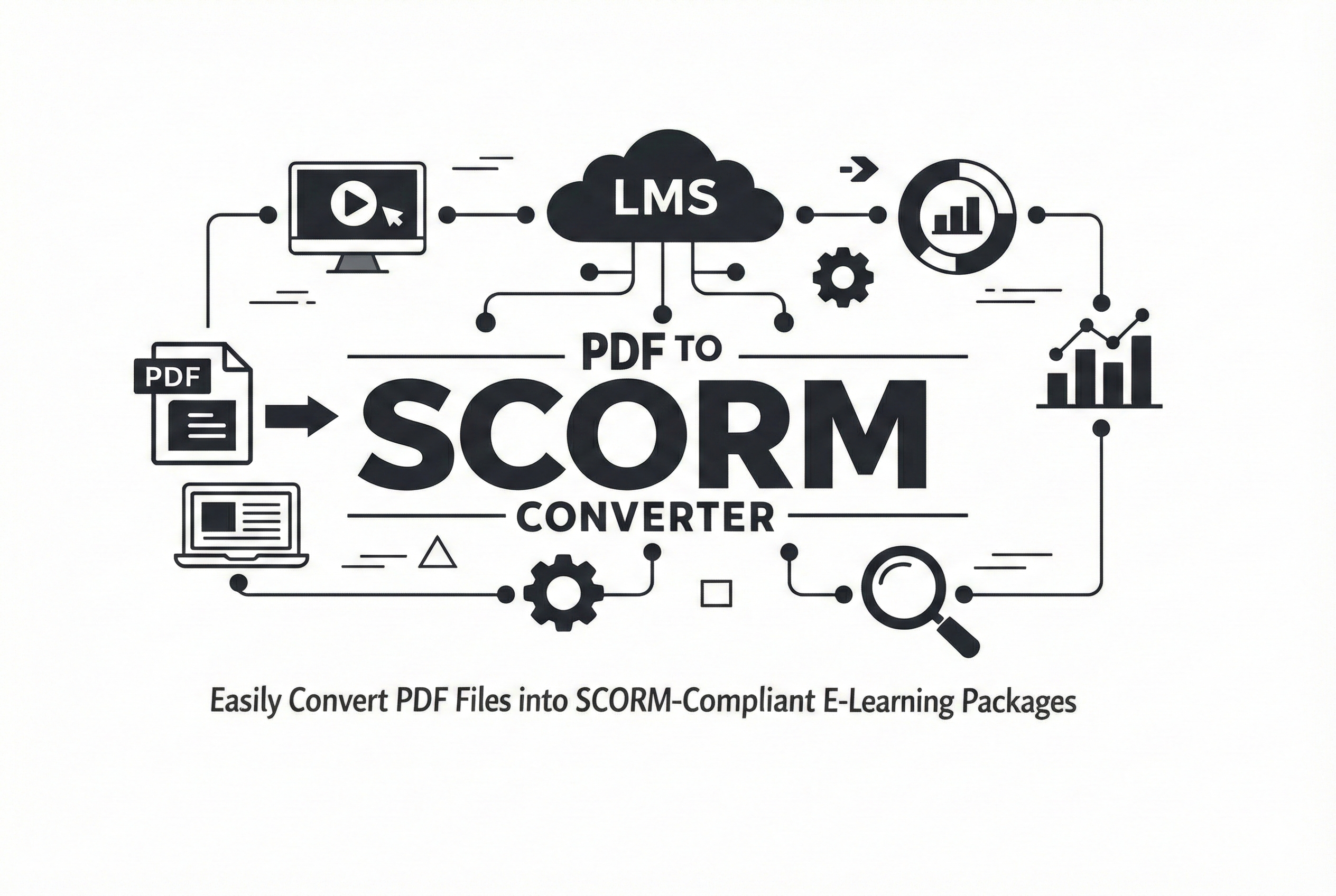
Advantages of Converting PDF to SCORM
Page-Level Completion Tracking
Track how many pages a learner has viewed before marking the SCORM course as complete inside your LMS.
Flexible Viewing Modes
Choose between page-by-page navigation or continuous scrolling to match your learning experience.
LMS-Compatible Reporting
Completion status, learner progress, and time spent are reported directly to your SCORM 1.2 or SCORM 2004 LMS.
What Information Does Your LMS Track?
Once your PDF is converted into SCORM, your LMS can record valuable learner engagement and completion data.
Pages Viewed
Monitor exactly how many pages learners have viewed.
Time Spent
Measure learner engagement with accurate session timing.
Completion Status
Record whether learners completed the required content.
Learning Progress
Track learner progress throughout the SCORM course.
Customizable PDF to SCORM Learning Experience
Create branded and user-friendly SCORM learning modules from PDFs with customizable viewer settings, navigation options, completion controls, and LMS-compatible tracking.
Theme Customization
Customize the SCORM player with your preferred theme colors, font colors, and font families to match your company branding and LMS design.
Fullscreen Learning Mode
Enable fullscreen viewing for distraction-free learning and improved readability across desktop and mobile devices.
Flexible PDF Viewing Modes
Choose between page-by-page navigation or sequential scrolling to create the ideal reading experience for learners.
Width & Height Fit Options
Configure PDFs to automatically fit by width or height for better readability on different screen sizes and LMS layouts.
SCORM Progress Tracking
Track learner progress, viewed pages, completion status, and session time directly inside your LMS.
SCORM 1.2 & 2004 Support
Generate SCORM 1.2 or SCORM 2004 packages compatible with most modern Learning Management Systems.
Designed for Modern eLearning Platforms
The PDF to SCORM converter is designed for organizations, educators, and training providers who need branded, trackable, and LMS-ready learning content without using complex authoring tools.
Whether you're delivering compliance training, onboarding, employee education, or online courses, you can create a professional SCORM learning experience directly from your PDF files.
Why Choose Our PDF to SCORM Converter?
Fast Conversion
Generate SCORM packages in minutes without rebuilding your content.
Cloud-Based
No software installation or authoring tools required.
Highly Customizable
Personalize navigation, themes, fonts, and completion rules.
Secure Processing
Files are securely processed and automatically deleted after conversion.
Customize Your PDF to SCORM Learning Experience
Create a branded and learner-friendly SCORM course by customizing themes, fonts, navigation controls, and viewing preferences before generating your package.
Theme & Branding Settings
Match your organization's branding.
- Customize background and theme colors.
- Select custom text colors for the SCORM player.
- Choose from multiple font families.
- Add or hide course titles.
- Create a consistent branded learning experience.
Navigation & Viewer Controls
Configure how learners navigate content.
- Display navigation controls in the header, footer, or both.
- Enable or disable Previous and Next buttons.
- Show or hide page information and progress indicators.
- Enable fullscreen viewing for distraction-free learning.
- Choose between page-by-page and continuous scrolling modes.
Multi-Language Support
Localize the learner interface using multiple language options.
Flexible Display Modes
Automatically fit PDFs by width or height for optimal readability.
Viewer Configuration
Fine-tune the learning experience before generating SCORM packages.
Perfect for Every Training Scenario
Deliver engaging and trackable learning experiences for a wide range of training programs.
Employee Onboarding
Compliance Training
Online Courses
Policy Training
Secure PDF to SCORM Conversion
We prioritize the security and privacy of your training content. From encrypted uploads to automatic file deletion, every step of the PDF to SCORM conversion process is designed to keep your data safe, confidential, and protected from unauthorized access.
Automatic File Deletion
Uploaded PDF files and generated SCORM packages are automatically deleted from our servers after processing and download. This ensures that your content is never stored longer than necessary.
SSL Encrypted Uploads
All file transfers are secured using HTTPS and SSL encryption, protecting your data during upload and conversion. This prevents interception or unauthorized access to your files.
Private & Isolated Processing
Each conversion runs in an isolated environment linked to your session. Your files are never shared, accessed by other users, or used for any purpose beyond generating your SCORM package.
Built for Secure eLearning Workflows
Whether you're handling internal training materials, compliance documents, or confidential business content, security is critical. Our PDF to SCORM converter ensures that your files are processed securely without permanent storage or external sharing.
This makes it suitable for corporate training teams, educational institutions, and organizations that require strict data protection standards while delivering SCORM-based learning content through their LMS.
Free PDF to SCORM Converter
Convert your PDF documents into SCORM 1.2 or SCORM 2004 packages for free. No software installation, no technical skills required — just upload your file, configure your settings, and download your LMS-ready SCORM package instantly.
Fast & Simple
Convert your PDF into a SCORM package in minutes with a simple and user-friendly interface. No technical setup required.
Cloud-Based
Everything runs in your browser. No downloads or installations needed — access the tool anytime, anywhere.
LMS Ready
Fully compatible with SCORM 1.2 and SCORM 2004 LMS platforms, ensuring seamless upload and tracking.
Need More Than PDF Conversion?
Convert presentations and videos into SCORM-ready courses with full tracking, analytics, and LMS compatibility.
Works with SCORM 1.2 & SCORM 2004 LMS
No installation • No signup • Instant download
Start with PDF Conversion